Your account gives access to your church's data: members, finances, communication. Protecting it means protecting your community. Here's the essential.
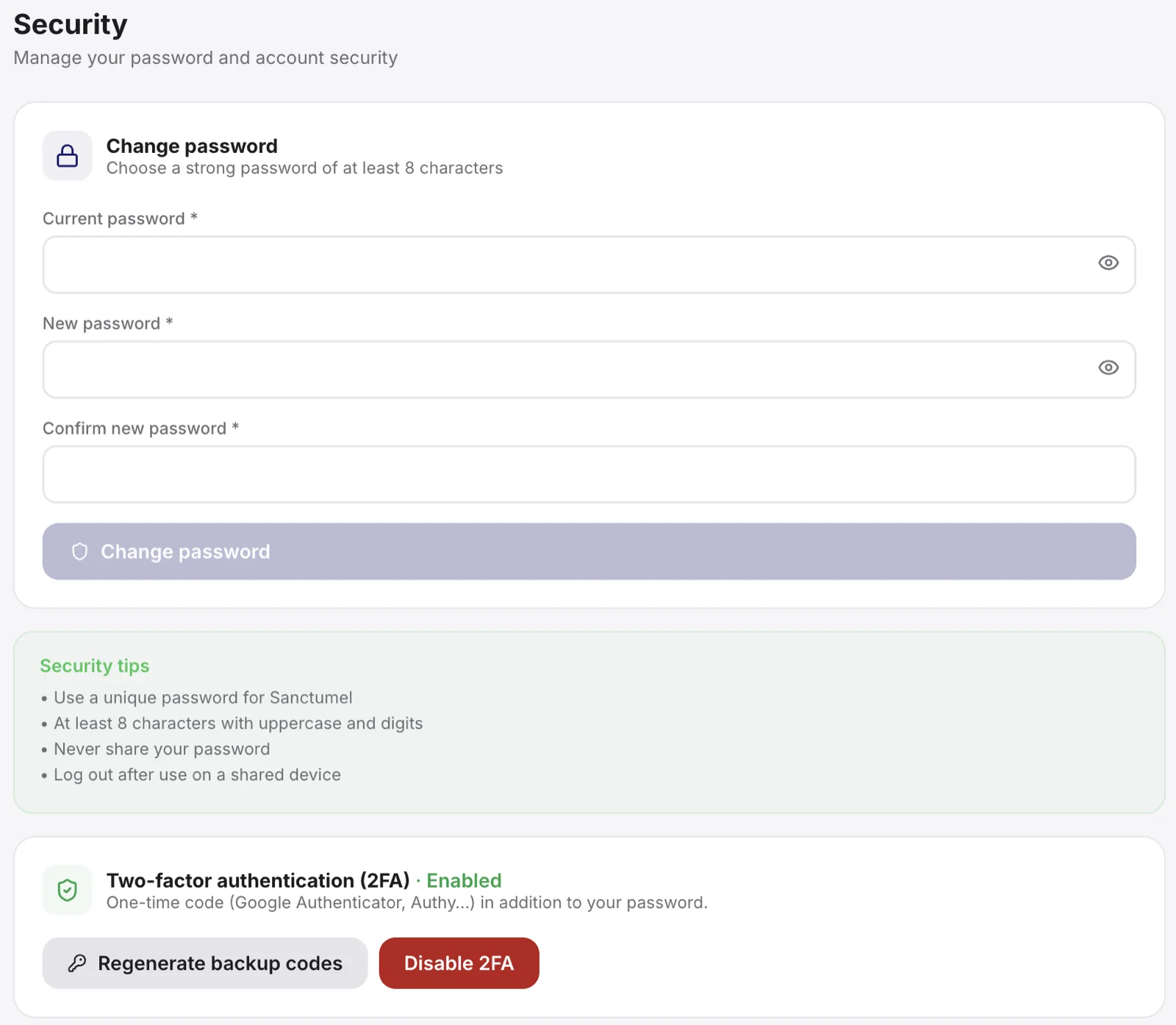
Your password
Choose a long, unique password that you don't use anywhere else. A phrase that's easy to remember but hard to guess beats a short, complicated word.
Tip: a password manager generates and remembers strong passwords for you. It's the simplest way to stay secure without memory effort.
Enable two-factor authentication
Two-factor authentication (2FA) adds a second proof of identity, on top of the password. Even if someone guesses your password, they can't get in without this second code.
- Open Settings, then your account security.
- Enable two-factor authentication.
- Follow the steps to link your authentication app.
Warning: keep your backup codes somewhere safe. They let you get in if you lose your phone.
Roles protect your data
In Sanctumel, each person only has access to what their role allows. A school teacher doesn't see the finances; a treasurer doesn't edit the lessons. Assign the most fitting role, neither too broad nor too narrow.
When in doubt
If you think your account is compromised, change your password immediately and contact support. Better one alert too many than an ignored intrusion.