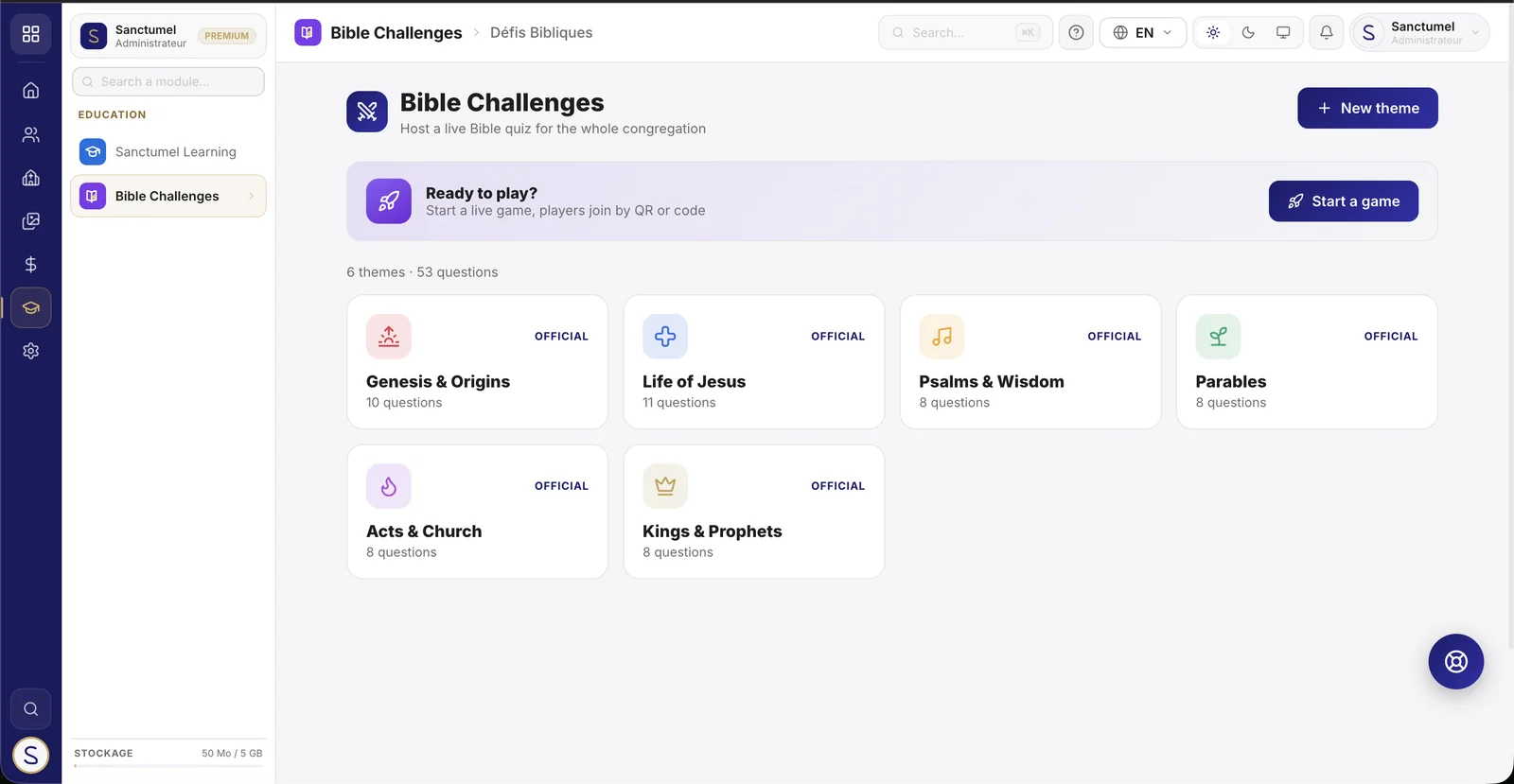
Bible Challenges turns Bible study into a live quiz game. The host launches a game on the big screen, participants join from their phones by scanning a QR code in the church's colours, and everyone answers in real time. Perfect for the service, the youth group, Sunday school or a small group - in the room or from anywhere.
Create a challenge
- Open Bible Challenges from the app launcher.
- Click Start a game.
- Tick one or more themes to mix (Life of Jesus, Psalms, Parables…).
- Set the number of questions, time per question and difficulty (easy, medium, hard - or all).
- Choose the mode:
- Live: everyone plays at the same time, at your pace.
- Open: the game stays playable over a period, each person plays whenever they want.
- Click Create game.
Welcome the players
The lobby screen shows the game PIN and a QR code with your church's logo. Players join two ways:
- Scan the QR code with the phone camera.
- Go to sanctumel.com/j and enter the code.
Each player picks a nickname - no account needed. You see them arrive live in the lobby. The fullscreen button (top right) is perfect for projection.
Lead the game
- When everyone is in, click Start.
- A 3-2-1 countdown announces each question.
- The question appears with a timer: the faster and more accurate the answer, the more points.
- When time is up, the correct answer is revealed with the vote distribution and a short explanation.
- The leaderboard updates between questions.
- Click Next question to continue.
At the end, a podium crowns the top three. The Play again button starts a fresh game with freshly shuffled questions.
Customize your themes and questions
On top of the official bank (available in 5 languages), your church can create its own themes and questions:
- On the module home, click New theme.
- Give it a name, an icon and a colour.
- Open the theme, then Add a question: enter the wording, two to four answers, tick the correct one, and optionally add a scripture reference and an explanation.
Your custom content stays private to your church and mixes with the official themes in the builder.
Note - The language of the questions follows your church's language. Players anywhere in the world can join a live game with a simple link.
End or close a room
The host always stays in control of the room:
- During the game, the End now button (next to "Next question") stops the game immediately: players see the podium with the current scores. Handy to shorten a 20-question challenge when time flies.
- In the lobby, the Close the room button cancels the game (wrong theme, test, duplicate): the code is released and the players' phones show the end of the game.
- A confirmation is asked in both cases: no accidental cut.
Latecomers and reconnections
- A player arriving after the start can still join: they enter with 0 points and answer from the next question. Nobody stays at the door.
- A player whose phone locked or reloaded the page automatically gets their place back, with their nickname and score: they just rescan the QR (or reopen the link).
Pacing and moderation
- Auto-advance: turn on "Auto" during the game - the reveal lasts 8 seconds then the next question follows on its own. Put the mouse down and host with your voice.
- Remove a player: in the lobby, the cross on a pill removes an inappropriate nickname - they disappear from the ranking and their phone learns it immediately.
- Mix everything: when creating, the "Mix everything" button ticks all themes at once - the game draws from the whole bank.
Open mode (challenge of the week)
- When creating, pick Open mode: the challenge is playable from creation, each at their own pace, until closing (automatic at the chosen date, or manual).
- Scoring rewards accuracy and streak - not speed: fair whenever people play.
- Your screen shows the QR permanently and the ranking filling up live - great projected in the hall or shared with the youth group.
- "Close the challenge" freezes the ranking and shows the podium.