Photos keep your church's memory alive. The Gallery gathers your shots into albums (a service, a convention, a baptism) that you can share with the community.
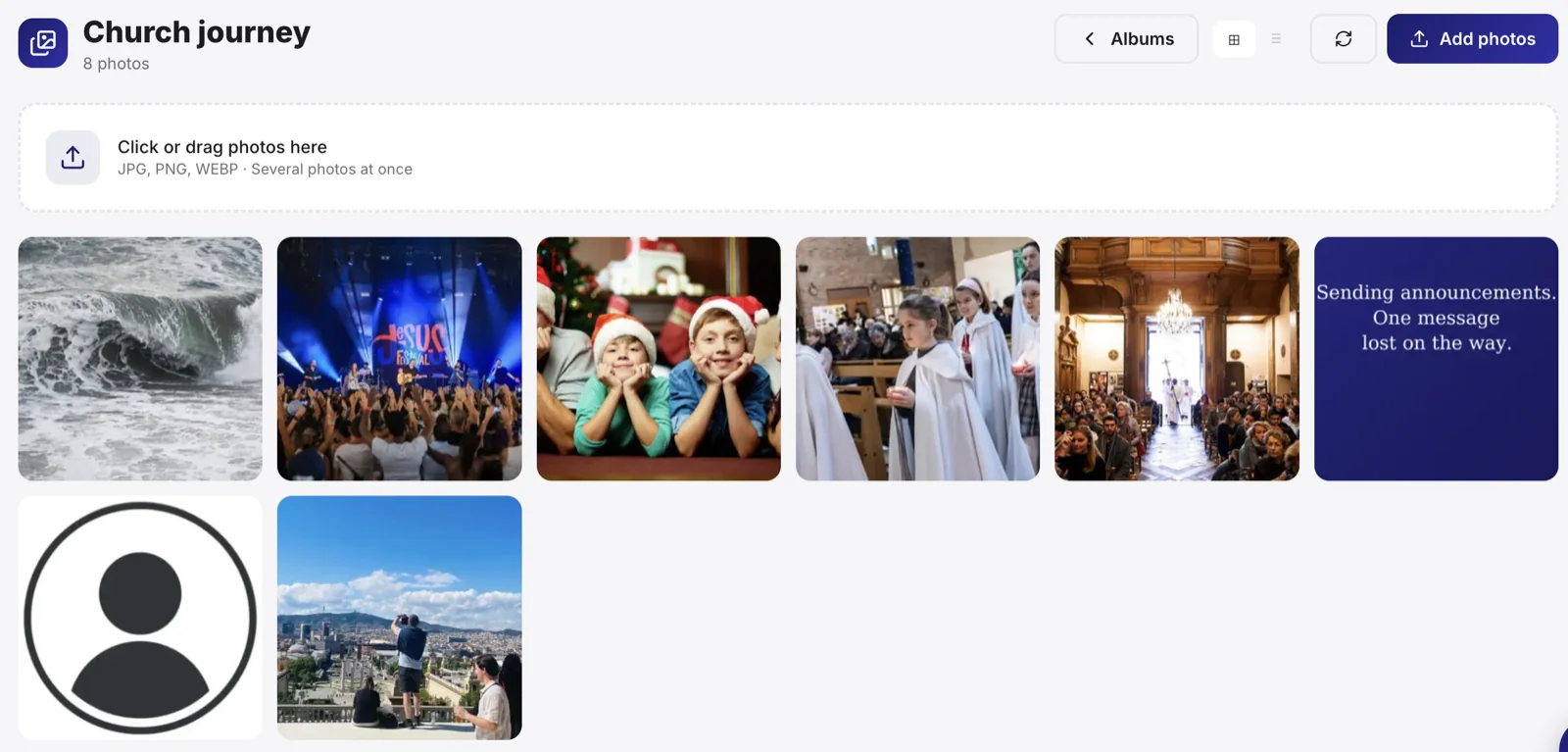
Create an album
- Open Gallery, then New album.
- Give it a name and, if you wish, a date and a cover.
- Add your photos, all at once or over time.
Tip: a sharp cover photo makes people want to open the album. Choose the strongest shot of the event.
Add photos
You can import several photos at once. Each photo keeps its quality, and a lighter version is generated for fast display.
Note: before publishing photos where people are recognisable, make sure you have their consent, especially for children. A published photo commits your church.
Share the album
An album can stay internal or be shared. Once published, it's viewable from your church's page and can feed other pages (photo calendar, event).
Reuse your photos
Gallery photos aren't only there to be looked at: they feed, for example, the birthday photo calendar. The same image can therefore serve in several places.