A special service, a conference, a baptism, a convention: every event of your church can have its public page, its registrations and its QR code. Here's how to create and share it.
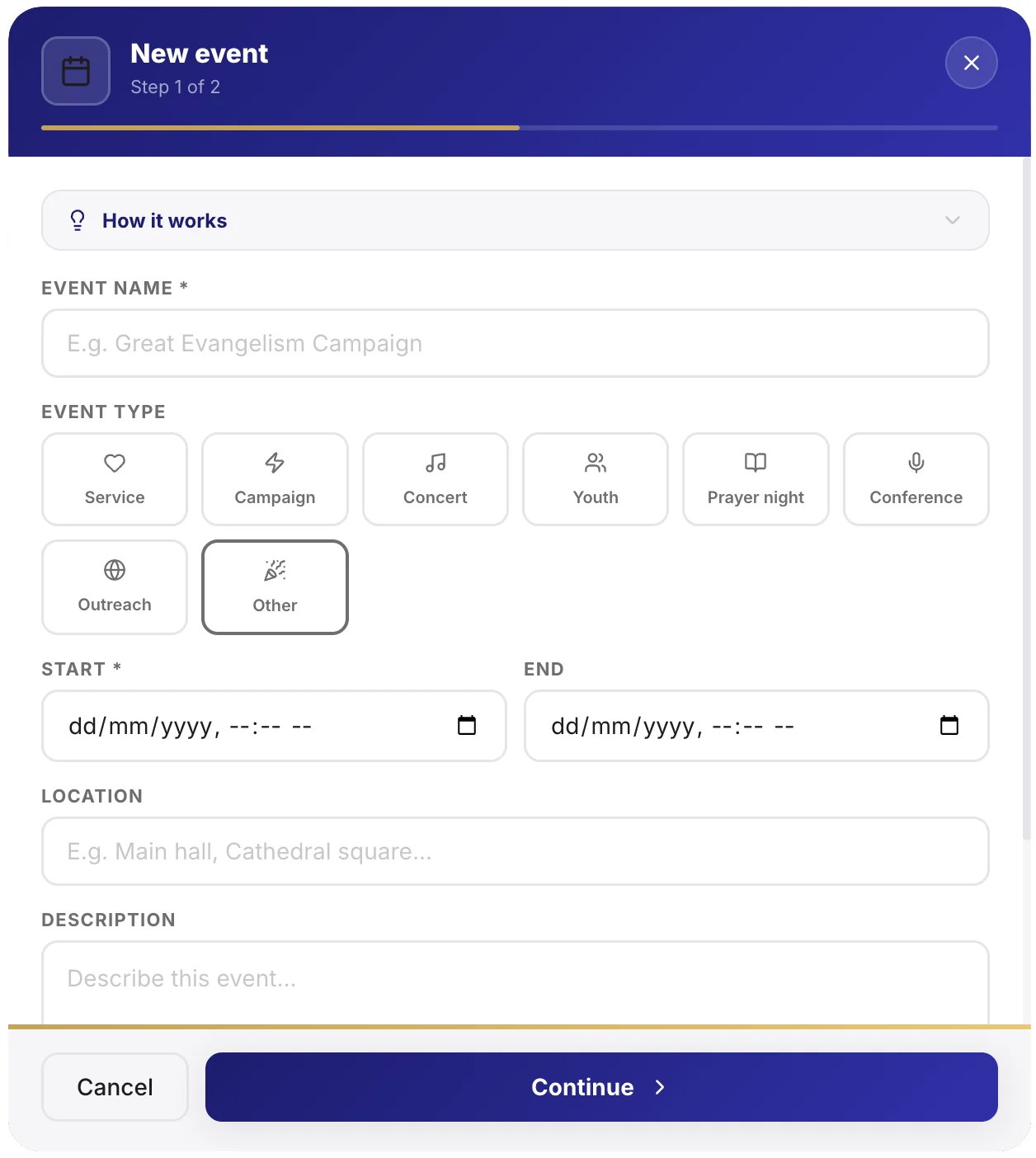
Create the event
- Open Events, then Create an event.
- Enter the title, date, time and location.
- Add a description and a cover image for the public page.
Tip: a good cover image changes everything on the public page and when sharing on WhatsApp. Crop it to the right dimensions when you add it.
Open registrations
If your event needs registration (limited seats, meal, transport), turn it on.
- In the event, enable Registrations.
- Set a seat limit if needed.
- Registrants appear in real time in the event.
Note: you can welcome people outside the church, not only your members. Useful for invitations and outreach.
Share the event
Once published, the event has:
- A public page styled to your church.
- A QR code with your logo, to print on flyers or project.
- A link to share on social media and by message.
On the day
On the day of the event, you can check attendance and follow registrants from your phone. After the event, the data stays available for your statistics.
Going further
Need help?
Quick answers and support in your language.