Sanctumel lets your members give online in seconds: by card, via a QR code shown at church, or from the public page. Each donation automatically generates a receipt and is recorded in your accounting. Here's how to turn it on.
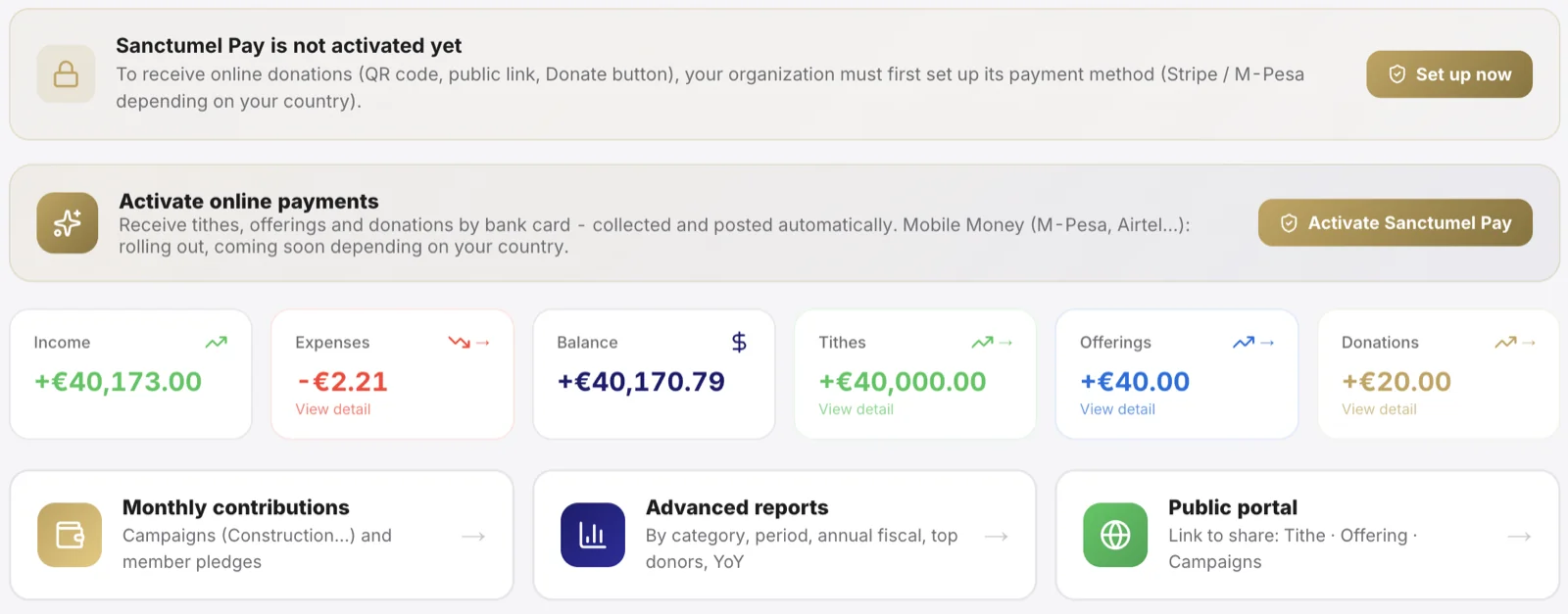
Note: Sanctumel never holds your church's money. Donations go straight to your organisation's payment account. We only handle the technical side.
Check that your country is supported
The payment method depends on your country:
| Region | Payment method |
|---|---|
| Europe and international | Bank card (Stripe) |
| Africa (depending on country) | Mobile Money, case by case |
Warning: in some African countries, mobile payment is still being activated. If so, the giving page will tell you clearly. Contact support to check the status for your country.
Set up the payment
- Open Finance, then the Online payments section.
- Click Enable payments.
- Follow the verification steps for your organisation (name, bank details, supporting document depending on the country).
- Once approved, the "Give" button becomes active everywhere.
Verification is done by the payment provider, not by Sanctumel. It protects your church and your donors.
Share giving with your members
Once payments are active, you have several channels:
- A QR code to project or print, with your church's logo built in.
- A public link to share on WhatsApp or social media.
- The Give button on the church's public page.
Tip: the QR code automatically includes your church's logo. Show it at the entrance and exit of the service - it's the channel that converts best.
Track donations
Each donation received appears in real time in Finance, with the donor's name (if provided), the amount and the date. A receipt is sent automatically by email to the donor, and finance roles get an alert.
Help the church receive more
Two options can be offered to the donor, never forced:
- Cover the fees: at the time of the gift, the donor can add the commission so the church receives 100% of the intended gift.
- Solidarity round-up: when buying an item in the shop, they can round up their total in favour of the church - a continuous micro-gift.