Sound system, instruments, chairs, projector, vehicles: the church owns equipment that needs tracking. The Inventory lists these assets, shows where they are and in what condition, to avoid losses and bad surprises.
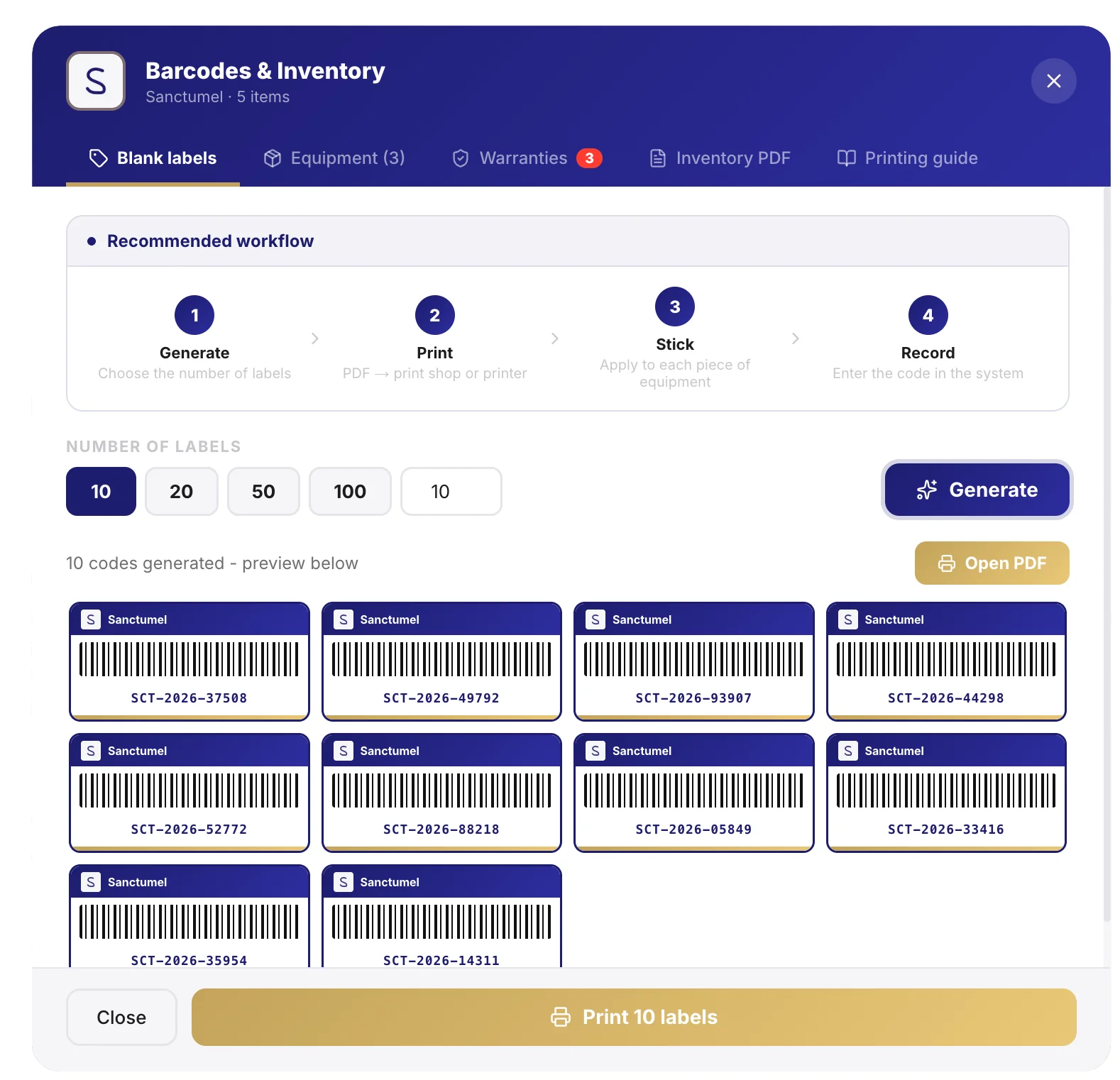
Add an asset
- Open Inventory, then Add an asset.
- Enter the name, the quantity and, if useful, its value.
- Indicate where it is (room, storage) and its condition.
Tip: photograph valuable equipment and note its serial number. In case of loss or dispute, you have a record.
Track the location
Each asset is attached to a place. You know what's in which room, and you quickly spot what's missing after an event.
Note: an up-to-date inventory is valuable when preparing an event: you see at a glance what you have and what to plan for.
Know the condition
Note the condition of each asset (new, to repair, out of service). This helps plan replacements before equipment fails in the middle of a service.
Going further
Need help?
Quick answers and support in your language.