The store lets your church sell online: books, clothing in the church's colours, teaching material, tickets. Payment reuses the same engine as giving, and the money goes straight to your organisation.
Note: as with giving, Sanctumel doesn't hold the store's money. Sales go to your church's payment account. Online payments must therefore be enabled beforehand.
Create a product
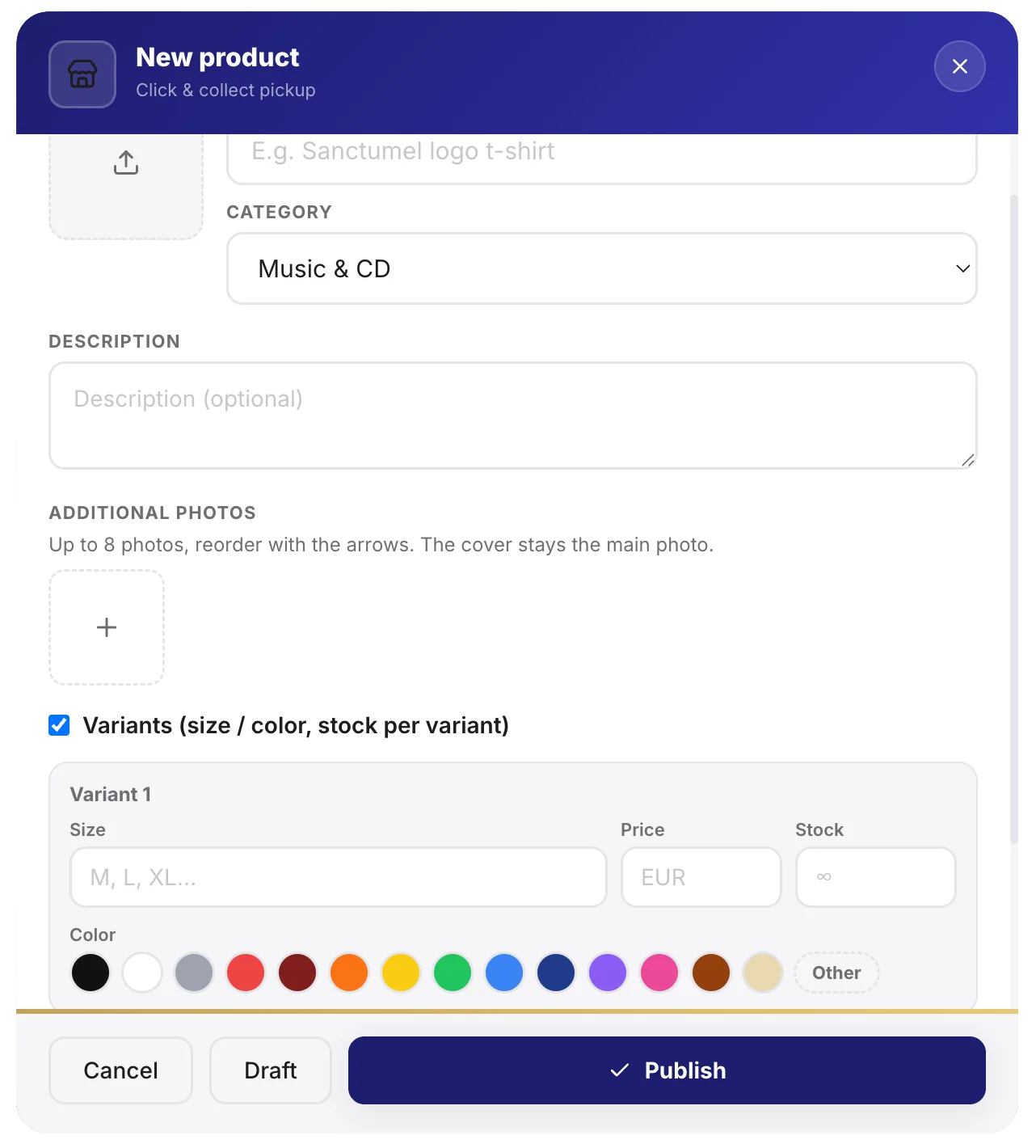
- Open Store, then Add a product.
- Enter the name, price and a description.
- Add one or more photos of the product.
Tip: several sharp photos, from different angles, reassure the buyer and increase sales. Crop them when you add them.
Manage variants
The same product can exist in several forms: sizes, colours. Create variants so the buyer picks the right one, and track the stock of each.
Choose the delivery method
| Method | For what |
|---|---|
| Pickup at church | The buyer collects on site |
| Hand delivery | At an event, a service |
Warning: clearly state the pickup place and times in the description. It's the first question buyers ask.
Track orders
Each paid order appears in the store, with the item, the buyer and the status. You mark the order as delivered once the product is collected. Sales are automatically recorded in your accounting.