Staying in touch with your members is at the heart of church life. Sanctumel lets you send a message to everyone, to a zone, to a department or to a few chosen people, by email as well as WhatsApp.
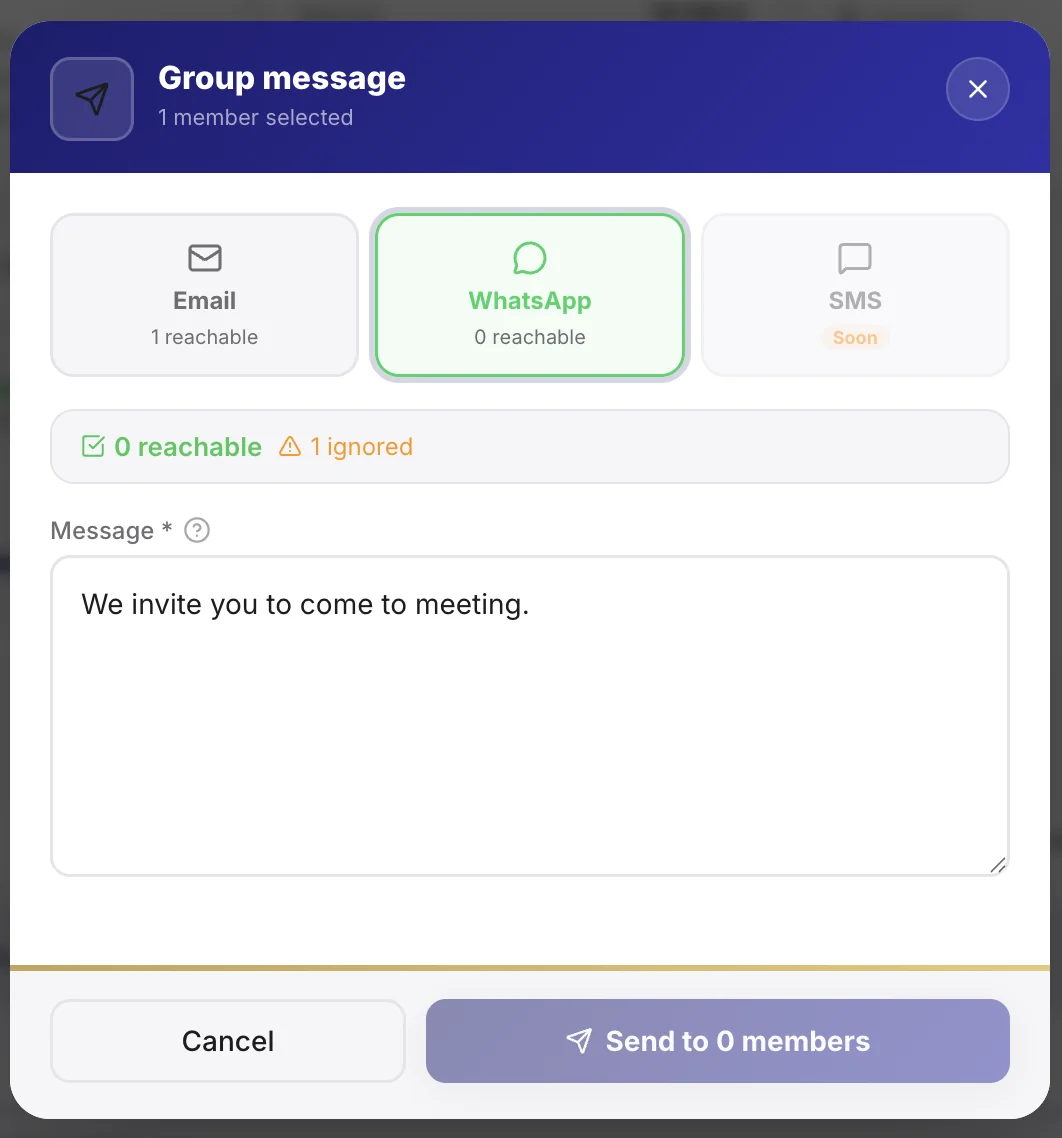
Write a message
- Open Messages, then New message.
- Choose the channel: email, WhatsApp, or both.
- Write your message and, for email, a clear subject.
Tip: a short, concrete email subject ("Sunday service moved to 10am") is opened far more often than a vague one.
Choose the recipients
You never have to write to the whole church. Target as needed:
- The whole church for a general announcement.
- A zone or a department for a local message.
- Specific members you select one by one.
Note: a member only gets an email if they have an address on file, and a WhatsApp only if they have a number. Complete the records to reach everyone.
WhatsApp: the 24-hour rule
WhatsApp regulates messages sent by businesses. Outside a recent conversation, only approved message templates can be sent. Sanctumel handles this for you, but a fully free message is only possible if the member wrote to you within the last 24 hours.
Track the send
After sending, you see who received the message. Emails go out from your church's official address, in the church's language.