Sanctumel Meet lets you hold a video meeting straight from Sanctumel: a leaders' meeting, a prayer group, preparing an event. Everyone joins from their browser, with no software to install.
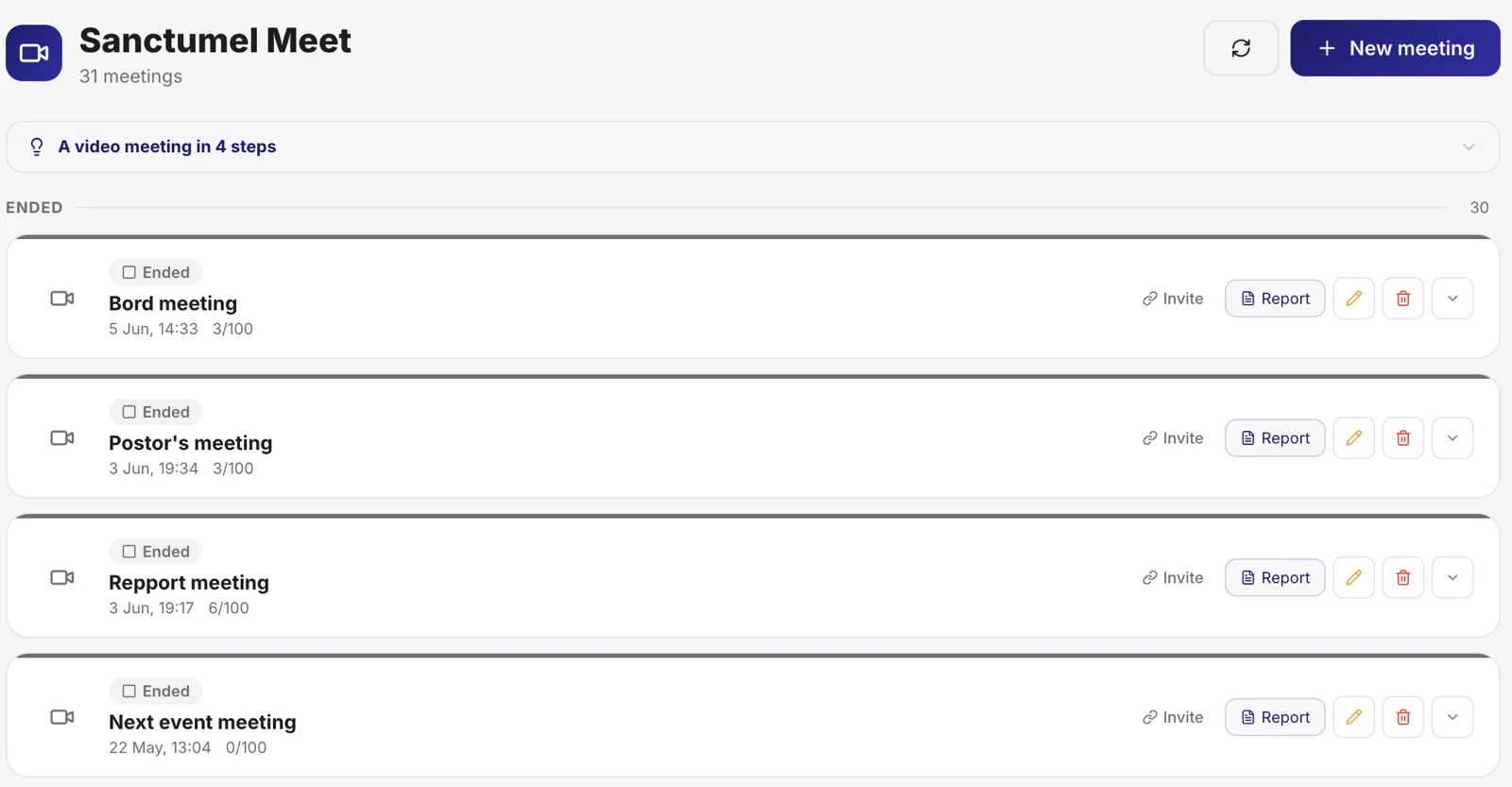
Create a meeting
- Open Sanctumel Meet, then New meeting: a dedicated page guides you (title, one-time or permanent room, internal or public type, security).
- Once created, you land on the meeting's page: the link to share is front and centre, with the settings and the activity.
- In a hurry? Instant meeting creates and opens a meeting in a single gesture, like the "New meeting" you already know.
The Meet home sorts your meetings into four families: live, permanent rooms, scheduled and ended. The invitation link is visible on every card, with Copy and Share.
Tip: name the meeting clearly ("Deacons' meeting - Thursday") so everyone knows what they're joining.
Note: the shared link carries the site address (sanctumel.com/meet/join/…), never "suite": guests have nothing to do in the Suite. On a phone where the Sanctumel app is installed, the page offers to open it in the app.
Invite participants
Share the link by message, email or WhatsApp. Participants just click: the meeting opens in their browser, on computer and phone alike.
Note: a participant doesn't need a Sanctumel account to join a meeting. The link is enough.
During the meeting
Everyone turns on their camera and mic as needed. The meeting stays smooth even with several people. Close the tab to leave; the meeting ends when everyone has left.
Warning: Sanctumel Meet is part of the advanced features. Depending on your plan, access may be reserved for higher subscriptions.
Going further
- Create a permanent meeting room
- Welcome participants and run the meeting
- Write the minutes of a meeting
- Build a program
The connection halo
A three-arc halo - the Sanctumel seal's halo - continuously shows your connection quality: gold (excellent), amber (fair), red (weak), the dot alone (offline). Hover it: it suggests the right move - get closer to the router, switch to 4G, or turn off video to keep the audio. In the meeting bar, next to the timer: it is the quality the server measures for YOUR device.