The Office & Music module helps the worship team prepare each service: pick the songs, build the setlist in the right order, and assign who sings or plays. Everyone arrives prepared, with no last-minute surprises.
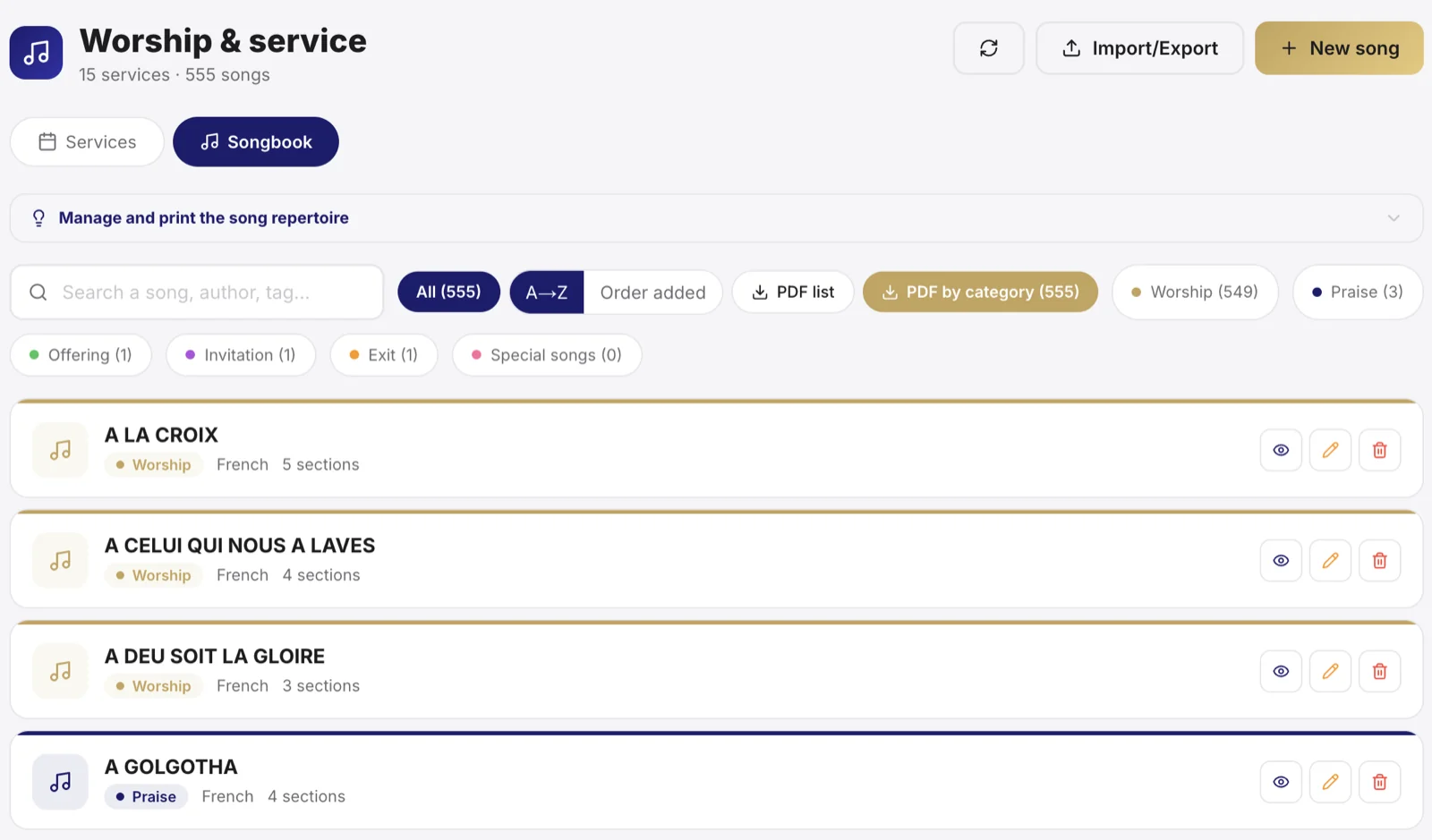
Build the setlist
- Open Office & Music, then create a setlist for the service date.
- Add the songs in the planned order.
- For each song, note the key or a remark if needed.
Tip: prepare the setlist a few days ahead. The team can then rehearse the right songs, in the right key, before Sunday.
A video link rather than a file
Alongside uploading an audio file, you can paste a YouTube link - on the repertoire song, and on a song within one particular service.
It is almost always the better choice, for three reasons.
Copyright. Uploading a commercial recording to our servers is a redistribution, which your church has no right to make. A link is not.
Storage. A list of thirty-nine songs in MP3 eats hundreds of megabytes of your quota, for files nobody really owns.
Availability. The recording already exists online. The studio file does not.
Keep the file upload for what you recorded yourselves: it is your work, it belongs to you, and it plays with no connection - which matters in a hall with poor coverage.
Privacy: the player only contacts YouTube after someone clicks "Listen". Opening a list of thirty-nine songs therefore triggers no call to Google. And the tracking token YouTube adds to its "Share" button (?si=...) is stripped when saved: what is stored is not your link but its clean form.
A link set on a service takes precedence over the repertoire one. That is what lets you rehearse a different version that Sunday without touching the song. And the choir finds it in their choir view, where they rehearse.
Change the order of the songs
The running order is rarely settled first time. In each part of the service, two arrows to the left of a song move it up or down one place.
For a longer move, click the song's number and type its new position: in a part holding thirty-nine songs, bringing the last one to the top would otherwise take thirty-eight clicks.
Nothing is lost on the way: the song keeps its key, its arrangement and its audio file. That is the point of these arrows, because until now the only way to change the order was to remove the song and add it again.
Good to know: the order carries through to the choir view. What the choir sees on their phones is what you have just set. A service that is validated or past can no longer be reordered, just as it can no longer be edited.
Assign the team
Set who holds each role: lead vocal, backing vocals, instruments, tech. Everyone knows in advance what's expected of them.
Note: telling people early and clearly avoids last-minute gaps. Someone who knows a week ahead prepares better than a Saturday-night call.
On the day of the service
The setlist serves as a thread for the team and the tech. It can also feed the lyrics projection and fit into the overall run sheet of the service.